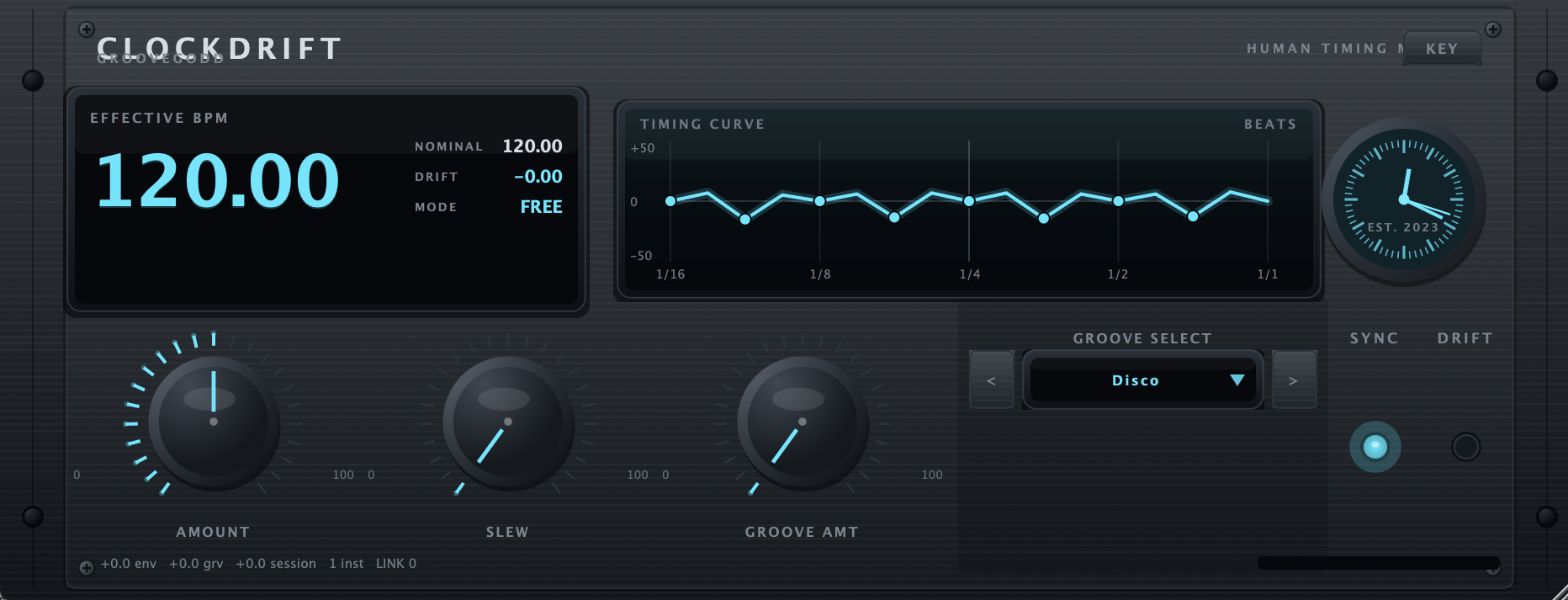
GrooveGod Clockdrift
Your kick breathes. The session follows.
Track instances push BPM from audio. One master sums the movement and sends Ableton Link, with groove types and custom clock waves.
macOS AU + VST3. Windows VST3 coming.
AU, VST3 · macOS 10.15 or later, 64-bit host
Audio-driven tempo
Track instances derive movement from the audio hitting them.
Master clock
One master sums every instance and sends Ableton Link out.
Groove engine
Groove types plus custom clock waves for human drift.
Slew control
Decide how fast the session is allowed to follow.
Club lock
Hold a club BPM while the effective tempo breathes around it.
Readouts
Effective BPM, club BPM and offset sources in plain numbers.
Insert on a track
Drop a track instance on the source that should drive tempo.
Set the master
One master instance sums and broadcasts over Link.
Shape the drift
Amount, slew and groove decide how much the session moves.
AU, VST3
macOS 10.15 or later, 64-bit host
Ableton Live, Logic Pro, Reaper, Cubase, Bitwig
3 per account, revocable
External clock only: REAPER has no built-in Link — use a standalone/Live Link source, or route /clockdrifter/bpm over OSC. Pro Tools has no AAX build, so Clockdrift cannot sit on a PT track; Pro Tools can follow tempo when Clockdrift runs standalone or in a Link-enabled host.
Host notes: Link does not start during AU scan or plugin validation, so Logic/Live stay stable on load. Hosts with their own Link get a short start pause to avoid session fights. Link is disabled during offline bounce. AU gets the local-network prompt so newer macOS can discover the DAW.
How do I unlock the plugin?
Open GrooveGod Clockdrift, hit Unlock, and paste the license key from your account — or sign in with your email and approve the machine on GridBit.com.
How many computers?
3 machines per account, shared across the plugins you own. Reinstalling on the same machine does not use a new slot.
Does it need to be online?
Only for account, download and activation. The plugin re-checks in the background about every 7 days and keeps working offline until the license ticket expires.
What if I hit the machine limit?
Open your account, remove a machine from the device list, then activate the new one.
Take the whole rack
The GrooveGod Bundle is $150 — $53 off the separate prices.